 Call our office
Schedule an inspection
Nashville & Middle Tennessee
Save House Call to your phone
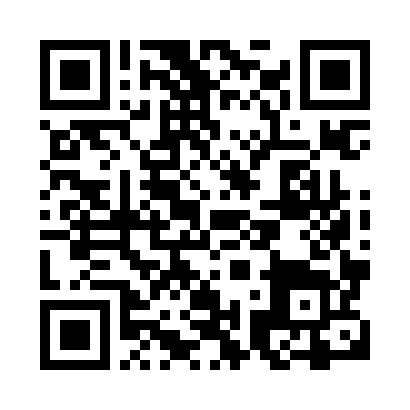
Save the scheduler at yourinspectorteam.com/agent-app to your phone using the steps below. Your House Call icon will launch straight into scheduling.
iPhone · Safari
- Open the app link in Safari. If it opened inside an email or social app, choose to open it in Safari first.
- Tap Share (you may need to open the browser menu), then Add to Home Screen.
- Keep the name House Call. Turn on Open as Web App if shown, then tap Add.
Android · Chrome
- Open the app link in Chrome.
- Tap the three-dot menu. Choose Install app, Add to Home screen, or Install and create shortcut, depending on your version.
- Confirm Install or Add. Look for the House Call icon on your phone.
Tap the icon whenever you need to schedule. Internet access is required. No App Store download or additional House Call login is needed; bookings stay in the existing Nashville Spectora system.